 NASJI
NASJIFree forever · No sign-up · No watermark
AVIF to DXF Converter
AVIF is too new for most software to read. Upload yours and get a DXF of editable polylines straight out — free, no intermediate conversion.
Drop images here, or click to choose
Conversion starts immediately. Up to 100 MB per file. You can also paste a screenshot
How to convert AVIF to DXF
Upload your AVIF file
Drop your .avif on the converter, click to browse, or paste a screenshot with Ctrl+V.
We trace the lines
AVIF is decoded natively at full resolution, avoiding the screenshot detour that would throw away detail before tracing even begins.
Download a real DXF
You get an R2000 ASCII DXF with editable LWPOLYLINE geometry — the open CAD exchange format — editable geometry, ready to draft on, not a picture to trace again.
What you get: lines, not pictures
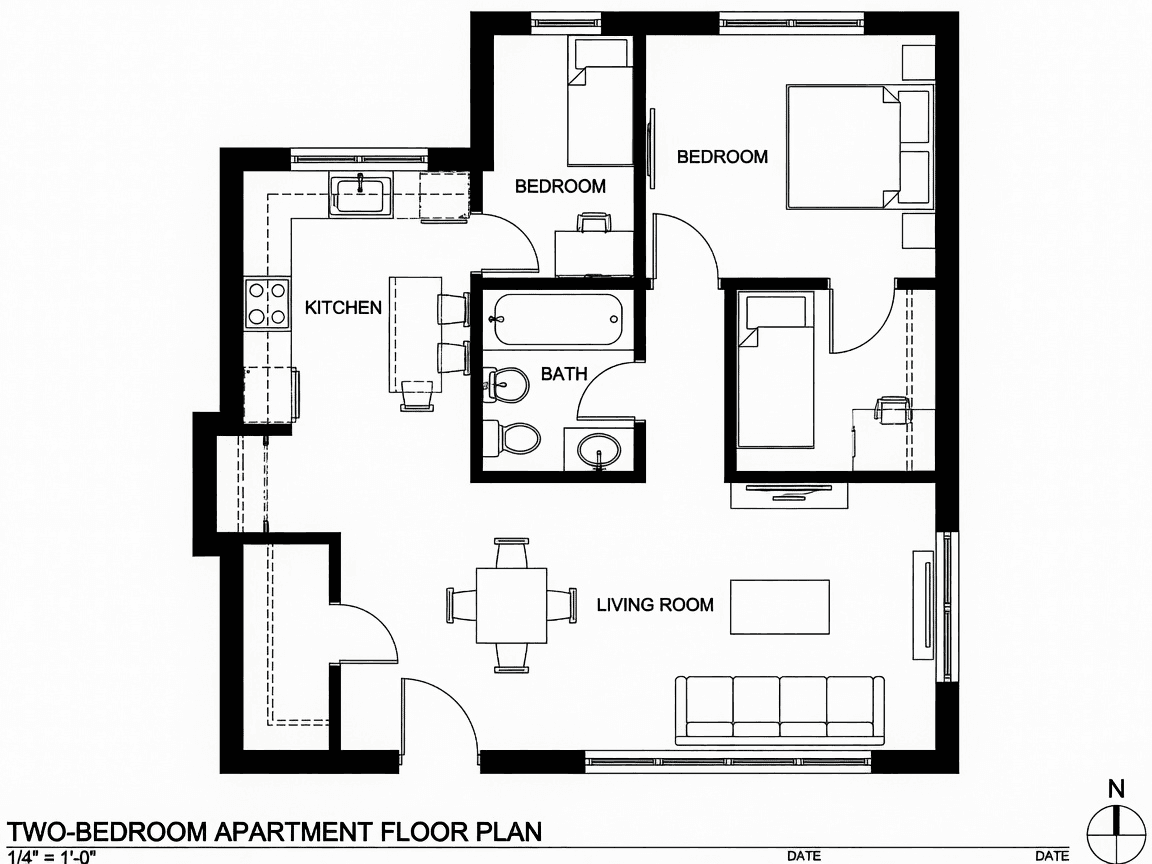
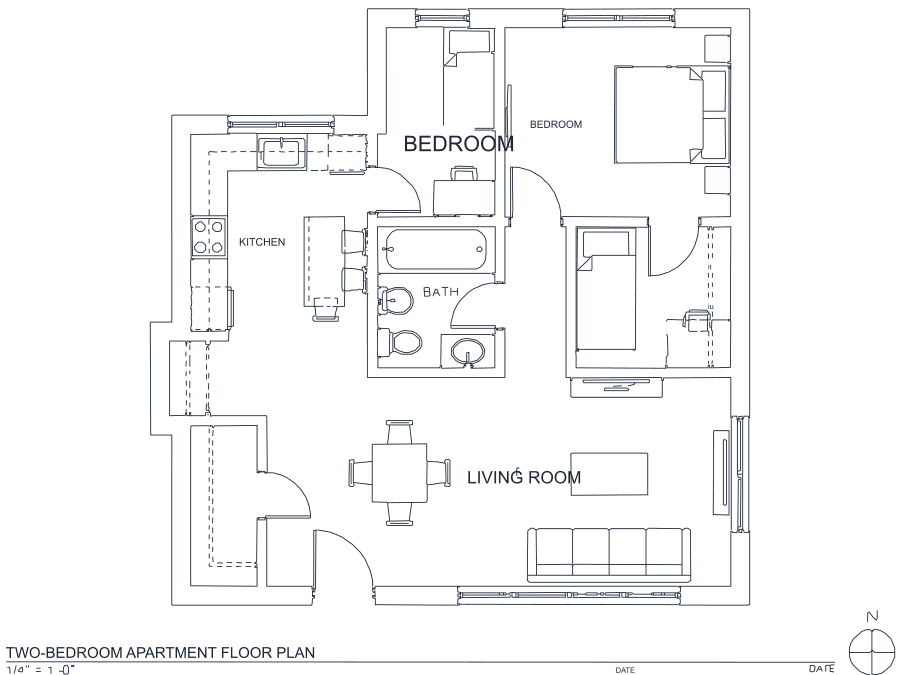
A floor plan with solid walls, furniture and text — and the CAD geometry this converter produces from it. Walls keep both faces, every thin line is a single editable polyline, and labels become real editable text.
About AVIF to DXF conversion
AVIF applies AV1 video compression to still images, and it is efficient enough that sites are adopting it faster than desktop software can follow. The result is a familiar annoyance: a file that looks fine in a browser and is unreadable everywhere else. No CAD or CAM application decodes AVIF, and the advice you will usually find is to open the image in a browser and screenshot it — which re-encodes an already-lossy picture at whatever resolution your monitor happens to have.
Decoding it properly matters more when the destination is a cutter than when it is a drawing to look at, because every detail lost before tracing becomes a missing feature in the part. This page decodes AVIF natively at full resolution and feeds it straight into cleanup — one decode, no screenshot generation loss. AVIF is normally lossy, so the usual rule applies: take the largest version of the image the source offers. The output is R2000 ASCII DXF, readable by LightBurn, VCarve, LibreCAD and QCAD alike.
Frequently asked questions
Convert from a script or an AI agent
The same conversion is one HTTP call — no key, no account, no rate limit. The full machine-readable spec lives at /llms.txt.
curl -X POST https://nasji.com/api/convert \
  -F "[email protected]" \
  -F "target=dxf" \
  -o drawing.dxf