 NASJI
NASJIFree forever · No sign-up · No watermark
Image to DXF Converter
Any picture of a drawing — a scan, a photo of a sketch, an exported plan — into a real DXF with editable polylines. Drop it below; the DXF is seconds away.
Drop images here, or click to choose
Conversion starts immediately. Up to 100 MB per file. You can also paste a screenshot
How to convert image to DXF
Upload your image
Drop your image on the converter, click to browse, or paste a screenshot with Ctrl+V.
We trace the lines
Whatever format arrives is normalized to one clean black-and-white working image first, so every source converges on the same trace quality.
Download a real DXF
You get an R2000 ASCII DXF with editable LWPOLYLINE geometry — the open CAD exchange format — editable geometry, ready to draft on, not a picture to trace again.
What you get: lines, not pictures
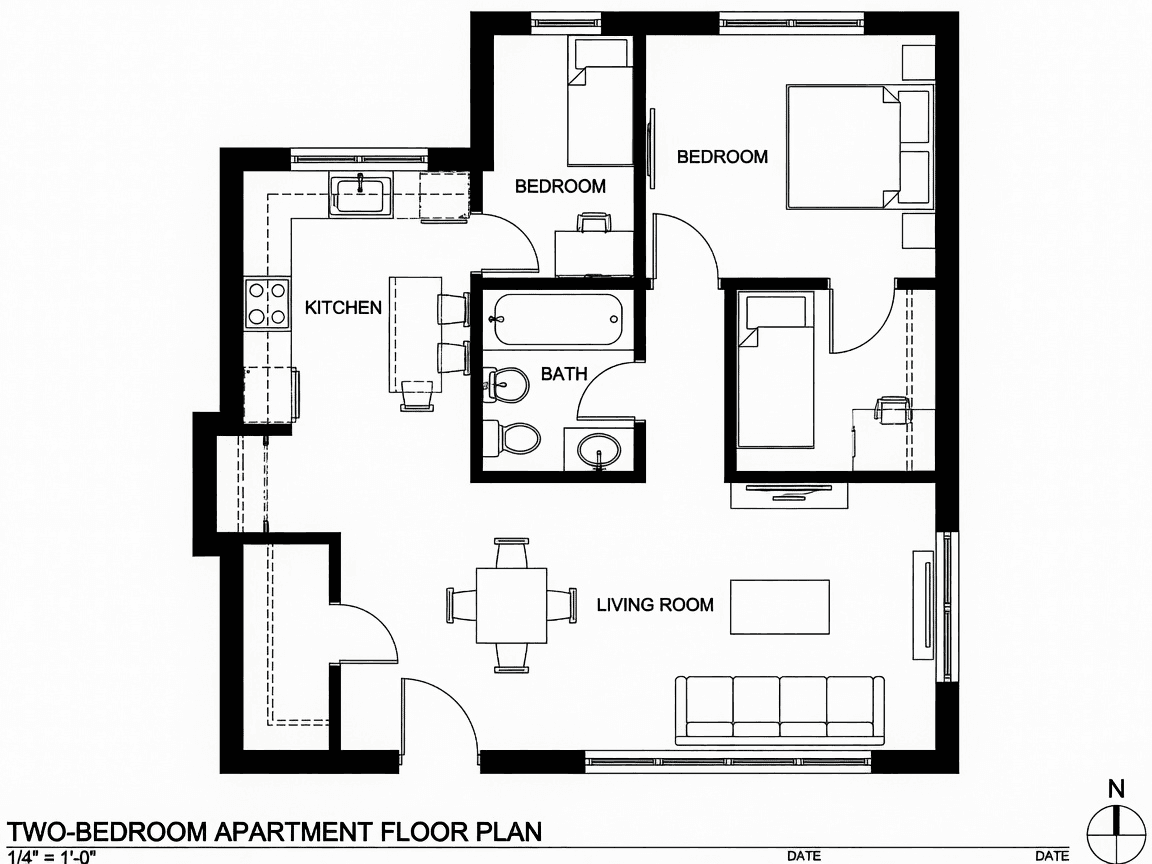
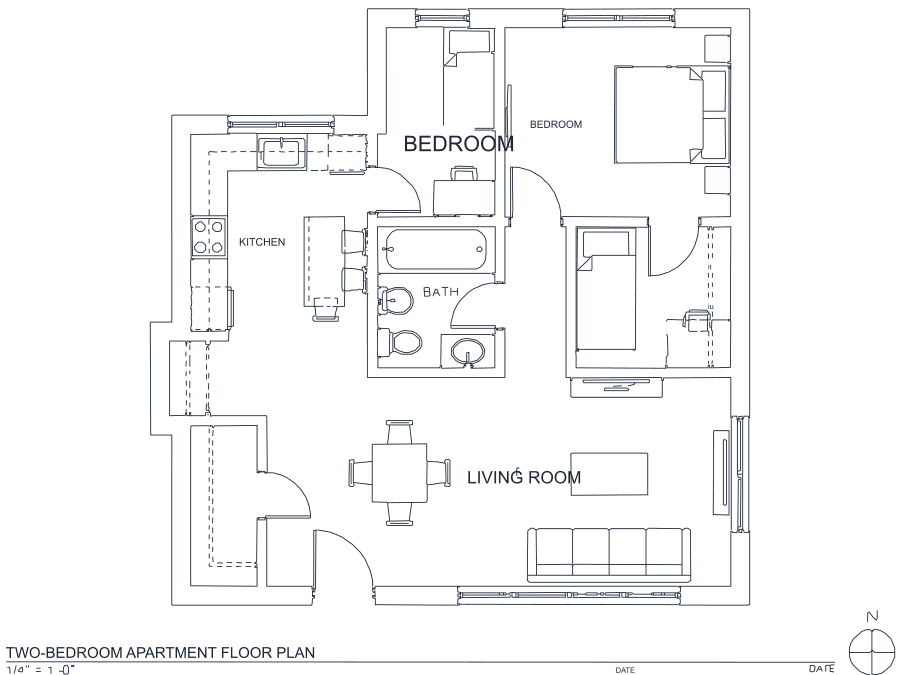
A floor plan with solid walls, furniture and text — and the CAD geometry this converter produces from it. Walls keep both faces, every thin line is a single editable polyline, and labels become real editable text.
About image to DXF conversion
This page accepts every format the site supports and produces the same thing from all of them: an R2000 ASCII DXF of editable polylines. DXF is the common tongue of CAD and fabrication — laser cutters, plasma tables, CNC routers, vinyl cutters and every CAD package read it — which is why it is worth having one page that does not care what you upload.
What the source format changes is the quality ceiling, not the process. PNG, BMP, TIFF and GIF are lossless and trace exactly as scanned. JPG, WEBP and AVIF are lossy and need their compression halos thresholded away first — recoverable, but a hairline the codec already erased is gone for good. SVG is already vector and is rendered at 300 DPI before re-vectorizing, which sidesteps the gradients and webfonts that break direct importers. ICO is a special case: tiny by design, useful mainly at 256×256. PDF is the notable absence — there is no PDF parser here at all, so export the page as PNG or TIFF at 300 DPI first.
Frequently asked questions
Convert from a script or an AI agent
The same conversion is one HTTP call — no key, no account, no rate limit. The full machine-readable spec lives at /llms.txt.
curl -X POST https://nasji.com/api/convert \
  -F "[email protected]" \
  -F "target=dxf" \
  -o drawing.dxf