 NASJI
NASJIFree forever · No sign-up · No watermark
PNG to DXF Converter
Drop a .png below and download a DXF of editable polylines — ready for LibreCAD, QCAD, a laser cutter or a CNC router. Free, unlimited, no sign-up.
Drop images here, or click to choose
Conversion starts immediately. Up to 100 MB per file. You can also paste a screenshot
How to convert PNG to DXF
Upload your PNG file
Drop your .png on the converter, click to browse, or paste a screenshot with Ctrl+V.
We trace the lines
Transparency is flattened to white, then thin lines are reduced to single centerline paths and solid areas are outlined — the two things a cutter needs kept apart.
Download a real DXF
You get an R2000 ASCII DXF with editable LWPOLYLINE geometry — the open CAD exchange format — editable geometry, ready to draft on, not a picture to trace again.
What you get: lines, not pictures
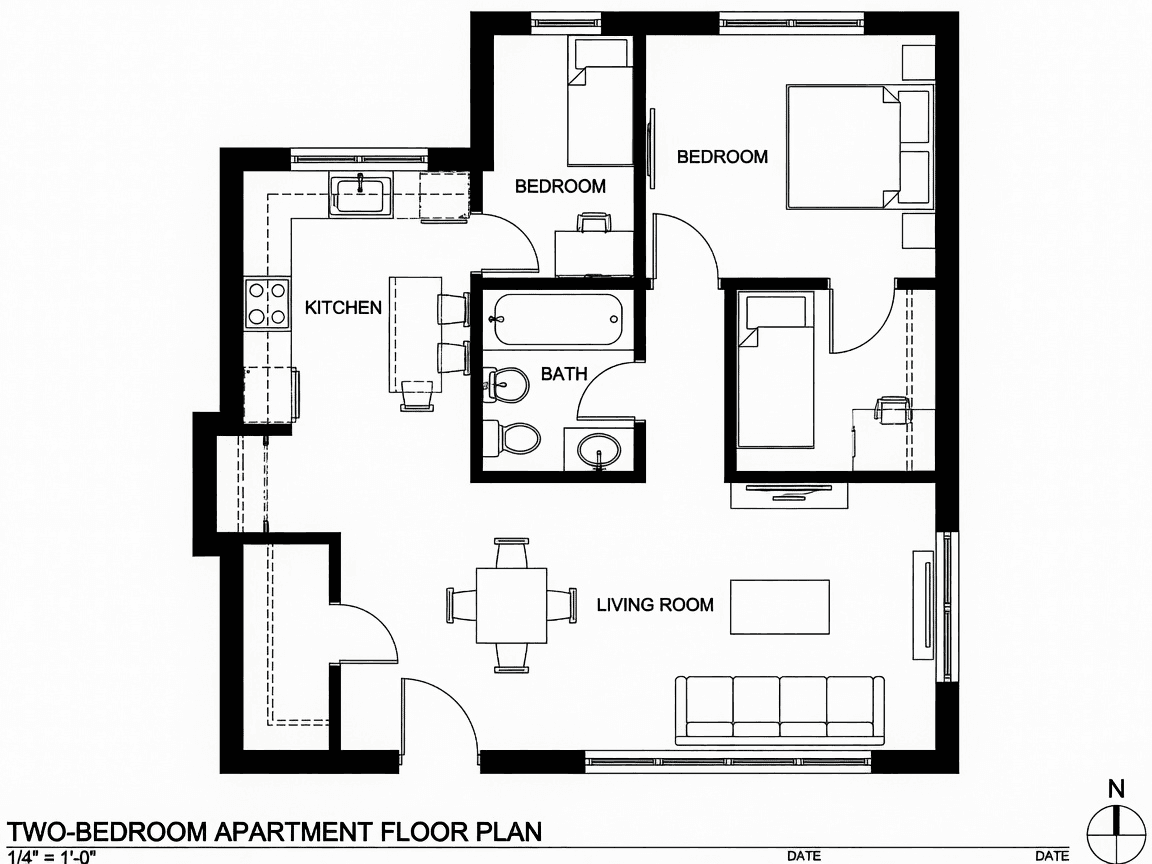
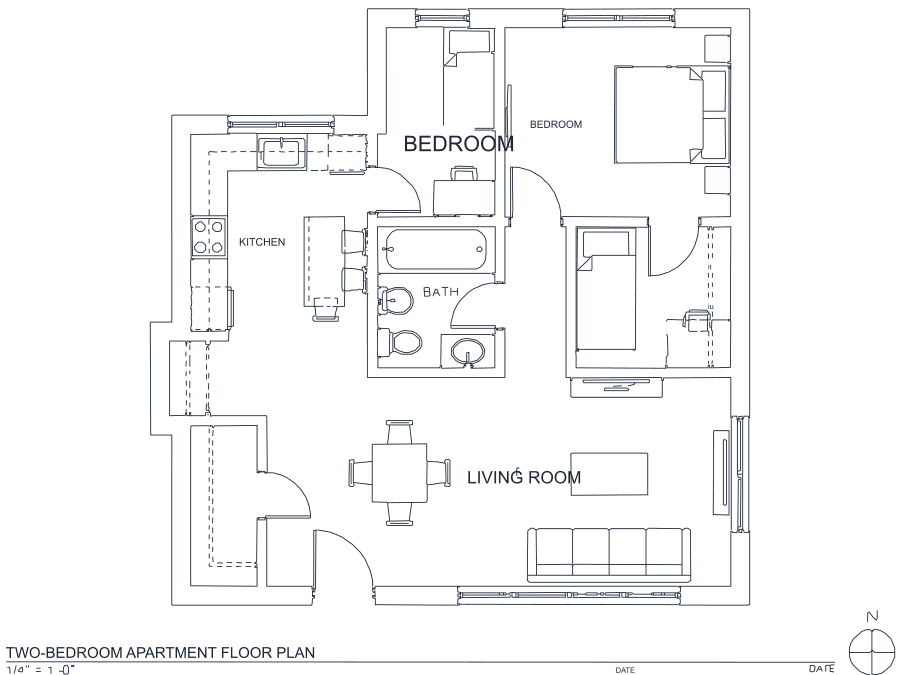
A floor plan with solid walls, furniture and text — and the CAD geometry this converter produces from it. Walls keep both faces, every thin line is a single editable polyline, and labels become real editable text.
About PNG to DXF conversion
DXF is the format the fabrication world runs on. LightBurn, VCarve, plasma table controllers, vinyl cutters and every CAD package on the market read it, which is why "PNG to DXF" is the single most searched conversion this site handles. What people actually want from it is rarely a drawing to look at — it is a toolpath source, and that raises the bar. A cutter will follow whatever it is given, so a trace full of doubled lines or artifact specks becomes wasted material.
PNG is the right raster to start from. It is lossless, so line edges are exactly where the source put them and there is no ringing to strip. Transparency is composited onto white first, since DXF has no alpha. The output is an R2000 ASCII DXF — plain text, maximum compatibility, opened without complaint by twenty-year-old machine software as readily as by current CAD. Thin lines come back as single centerline polylines and solid regions as closed outlines along their real edges, which is the distinction that decides whether a cut path is one pass or two.
Frequently asked questions
Convert from a script or an AI agent
The same conversion is one HTTP call — no key, no account, no rate limit. The full machine-readable spec lives at /llms.txt.
curl -X POST https://nasji.com/api/convert \
  -F "[email protected]" \
  -F "target=dxf" \
  -o drawing.dxf