 NASJI
NASJIFree forever · No sign-up · No watermark
ICO to DXF Converter
Upload a .ico and download its largest frame as a DXF of editable polylines — ready to scale up, cut or engrave. Free, no account.
Drop images here, or click to choose
Conversion starts immediately. Up to 100 MB per file. You can also paste a screenshot
How to convert ICO to DXF
Upload your ICO file
Drop your .ico on the converter, click to browse, or paste a screenshot with Ctrl+V.
We trace the lines
Every frame in the icon is decoded and the largest is selected, then traced as closed outlines because icon art is solid shapes rather than strokes.
Download a real DXF
You get an R2000 ASCII DXF with editable LWPOLYLINE geometry — the open CAD exchange format — editable geometry, ready to draft on, not a picture to trace again.
What you get: lines, not pictures
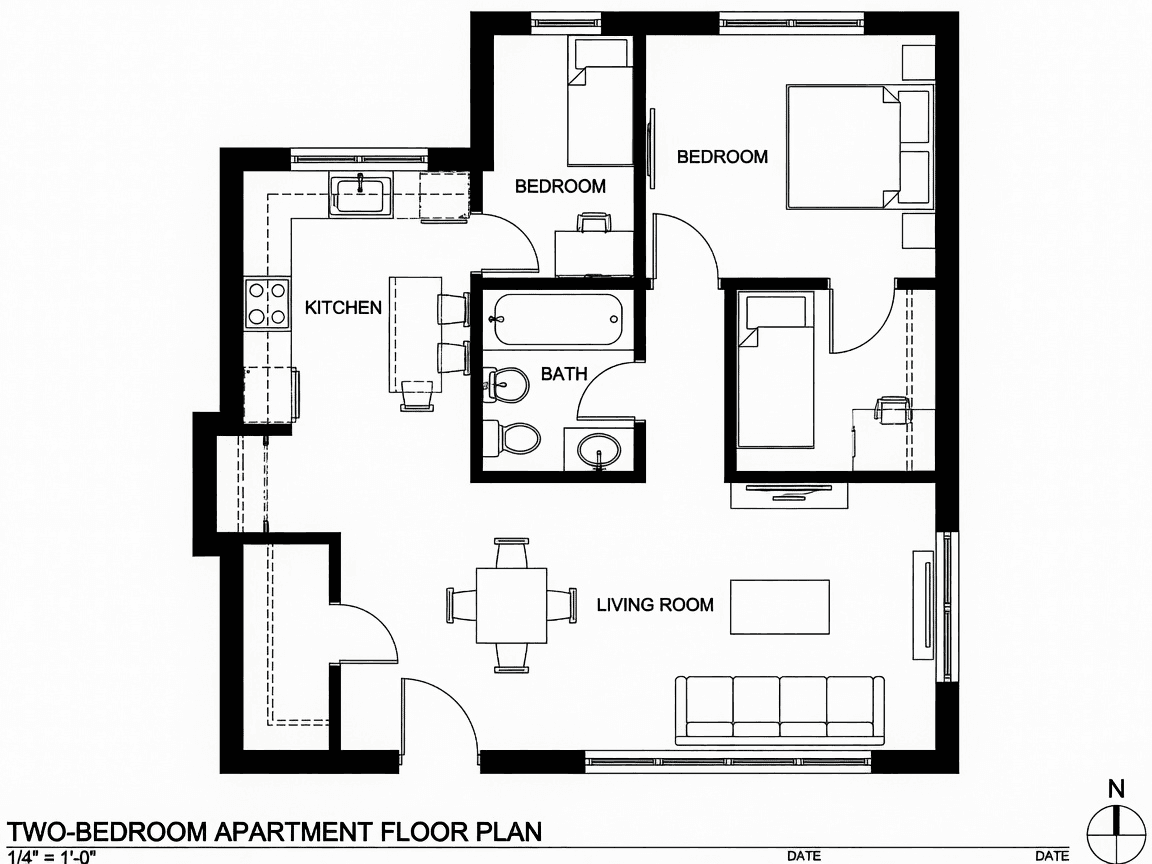
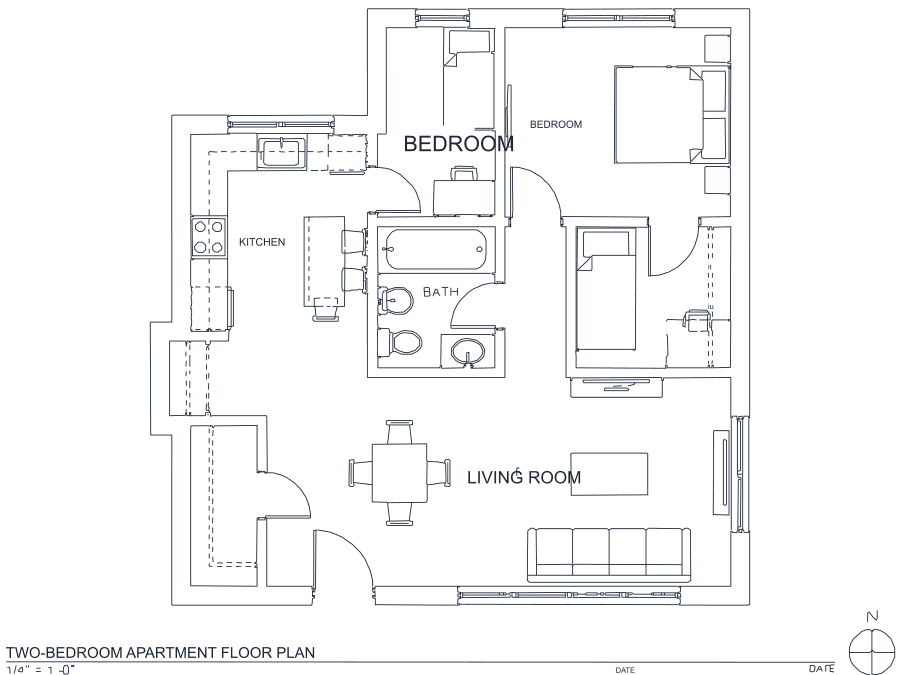
A floor plan with solid walls, furniture and text — and the CAD geometry this converter produces from it. Walls keep both faces, every thin line is a single editable polyline, and labels become real editable text.
About ICO to DXF conversion
A Windows .ico is a container holding the same artwork at several resolutions — 16×16 up to 256×256 — so the operating system never has to scale. That structure is what makes it convertible at all: the largest frame is picked automatically, because pixel count is the only thing standing between an icon and a usable vector outline.
Two things follow from what icons actually are. First, they are solid glyphs rather than line drawings, so they trace as closed outlines along both real edges — which is the right form for engraving or cutting the shape, and the wrong form if you expected centerlines. Second, resolution sets a hard ceiling. A 256×256 frame gives an outline accurate enough to scale up and clean into a proper cut path; a 16×16 frame is a few dozen meaningful pixels and produces a blocky staircase no amount of smoothing will rescue. Treat small icons as a proportion reference to redraw from, not as production artwork.
Frequently asked questions
Convert from a script or an AI agent
The same conversion is one HTTP call — no key, no account, no rate limit. The full machine-readable spec lives at /llms.txt.
curl -X POST https://nasji.com/api/convert \
  -F "[email protected]" \
  -F "target=dxf" \
  -o drawing.dxf