 NASJI
NASJIFree forever · No sign-up · No watermark
BMP to DWG Converter
Upload an uncompressed .bmp scan and download a DWG of clean editable polylines. Files up to 100 MB, free, no account needed.
Drop images here, or click to choose
Conversion starts immediately. Up to 100 MB per file. You can also paste a screenshot
How to convert BMP to DWG
Upload your BMP file
Drop your .bmp on the converter, click to browse, or paste a screenshot with Ctrl+V.
We trace the lines
A BMP is raw pixels, so there is no codec damage to undo — the threshold operates on exactly the tones the scanner recorded.
Download a real DWG
You get a native 2018-format DWG with editable LWPOLYLINE geometry on its own A-SKETCH layer — editable geometry, ready to draft on, not a picture to trace again.
What you get: lines, not pictures
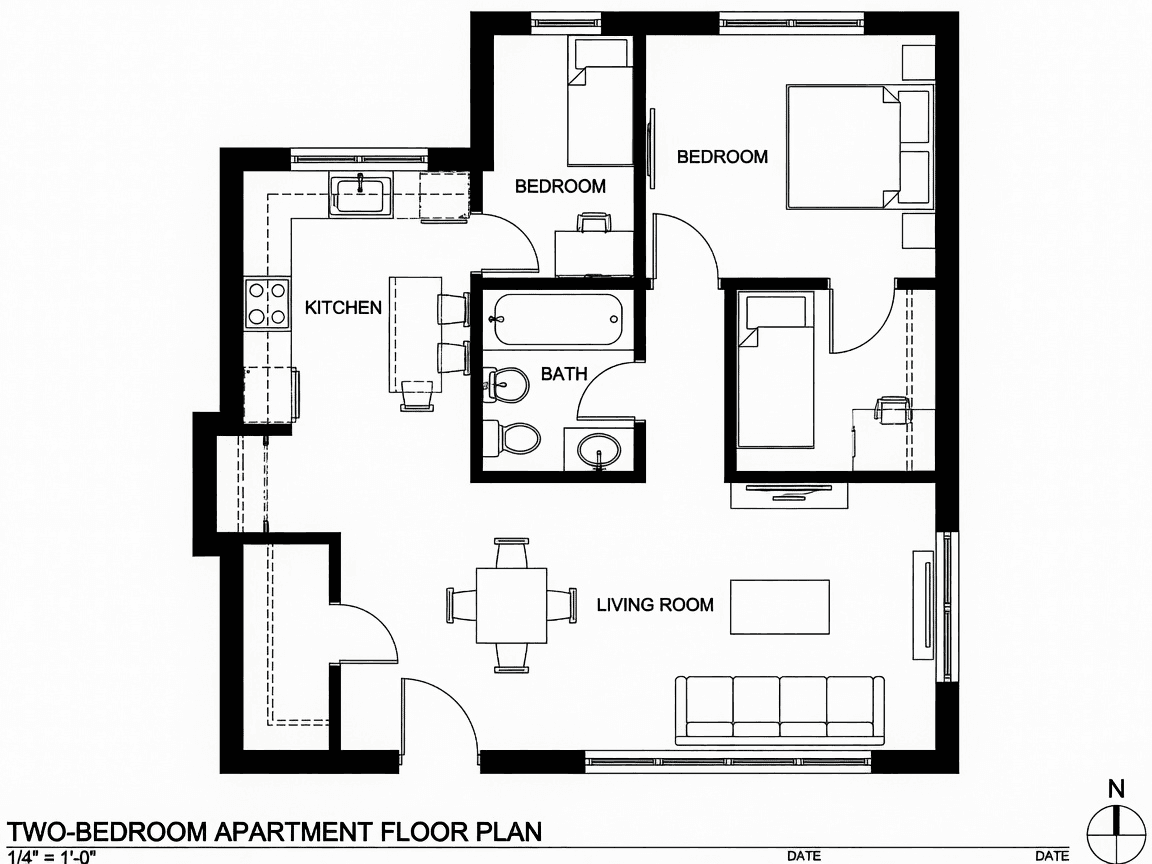
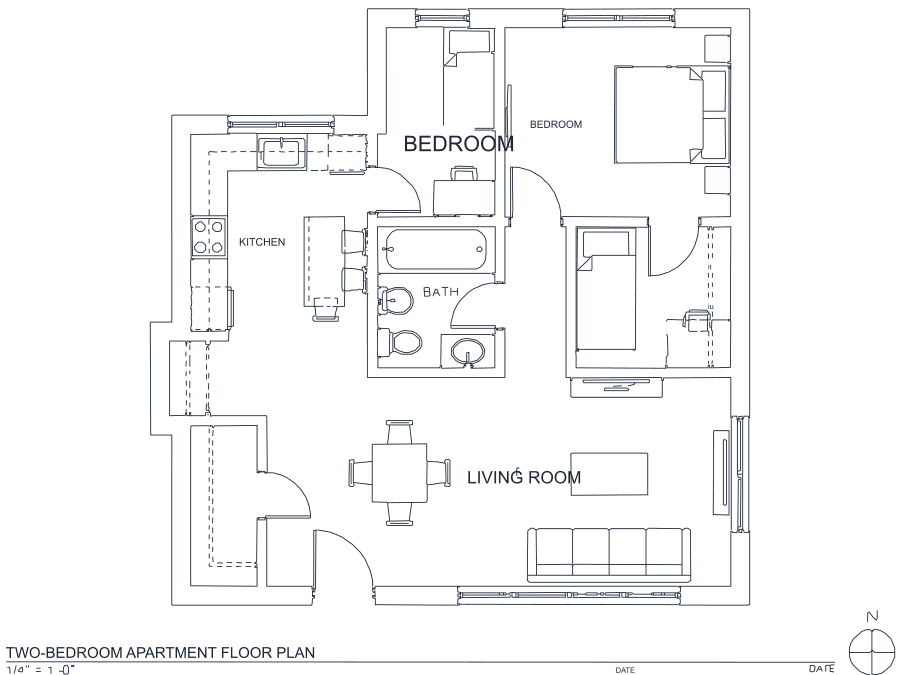
A floor plan with solid walls, furniture and text — and the CAD geometry this converter produces from it. Walls keep both faces, every thin line is a single editable polyline, and labels become real editable text.
About BMP to DWG conversion
BMP stores raw pixels with no compression at all, which is why it refuses to die in industrial settings: old scanner drivers, Windows imaging utilities, machine-vision cameras and plenty of shop-floor software still write it. The files are enormous compared to a PNG of the same picture, and that is the entire point — nothing has been approximated. Every tone the scanner recorded is the tone the tracer sees, so there is no ringing to threshold away and no block structure to mistake for geometry. For pure line work a BMP scan is the best-case input this converter can be handed.
Size is the only practical concern. The upload limit is 100 MB, which comfortably holds a full-sheet 24-bit scan, and because the image is normalized to a 2048-pixel working frame before anything else happens, a physically enormous bitmap converts in about the same time as a small one. If a scan does exceed the limit, saving it as PNG is lossless — you lose nothing at all, just the bulk.
Frequently asked questions
Convert from a script or an AI agent
The same conversion is one HTTP call — no key, no account, no rate limit. The full machine-readable spec lives at /llms.txt.
curl -X POST https://nasji.com/api/convert \
  -F "[email protected]" \
  -F "target=dwg" \
  -o drawing.dwg