 NASJI
NASJIThe desktop app. Same CAD, no connection needed.
Everything the web version does, installed: works offline, handles the big drawings, opens in a second. Free and unlimited — only the agent signs in.
Free, no account. Pick your platform, or draw in the browser.
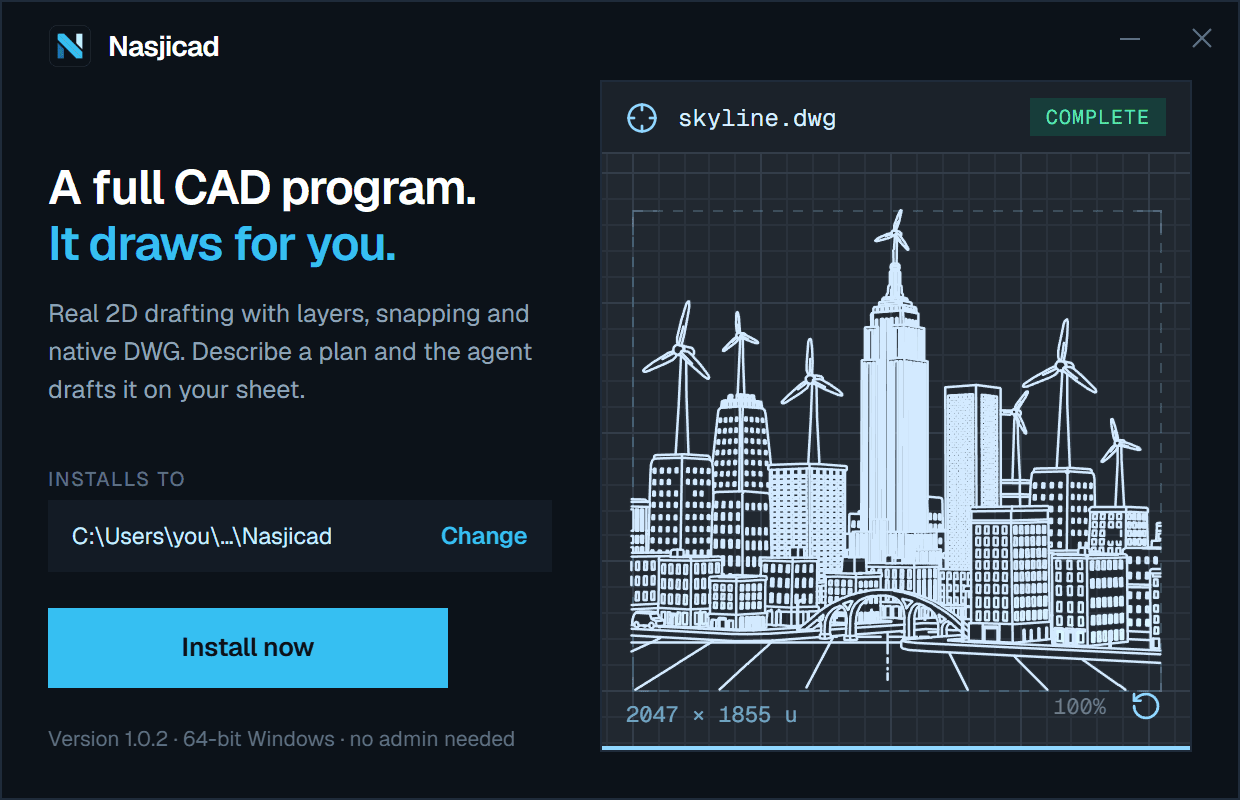
The installer: one page, one button, and it draws while you decide.
Windows
Windows 10 or 11, 64-bit.
- Installs for your user alone — no administrator rights, no prompt for a password. It goes to your local programs folder unless you choose another on the first page.
- Code-signed, with the publisher’s verified name on the installer. A new signature earns Windows’ trust through clean installs, so for a while the “protected your PC” screen may still appear: choose More info, then Run anyway.
- It registers itself for .dwg and .dxf, with its own icon on the files, so a double-click opens the drawing. Where another program already holds the type, the first launch offers to make Nasjicad the default in one click.
- Every drawing it saves carries a picture of itself, and Explorer shows that picture as the file’s thumbnail instead of an icon.
- It lands on the Start menu and the desktop. Remove it from Settings ▸ Apps like any other program.
Nasjicad-1.0.6-win-x64.exe · 84.9 MB
SHA-256 a94287ab253d1b46b9f3d3679291d416d6fa5978381c492202730dfd0b16dba7
macOS
macOS 13 or later, Apple silicon or Intel. Two builds: pick the chip your Mac has — the Apple menu ▸ About This Mac says which.
- Open the disk image and drag Nasjicad onto the Applications folder.
- Signed with a Developer ID and notarized by Apple, so it opens like any other app — no warning, no right-click.
- It claims .dwg and .dxf as their editor, so a double-click in Finder opens the drawing in Nasjicad.
Nasjicad-1.0.6-mac-arm64.dmg · 91.4 MB
SHA-256 b38ac1d6147994de08cacea28588492b6348c5b6ae1b72de33636a1b80380d86
Nasjicad-1.0.6-mac-x64.dmg · 97.6 MB
SHA-256 84a6fb7371d4e38466c82a0df93a22e5410df6e4aa11d0e3be8c56117aec5c36
Once it is on your machine
Drawing needs nothing
No account, no connection. Your drawings are files on your disk, in DWG or DXF, and open in any CAD that reads them.
The agent signs in
When you want it to draft for you, the app shows a short code and you confirm it here on the site. It then draws on your NASJI balance — no provider key is ever stored on your machine.
New versions
A new build is a new file on this page. Install it over the old one; your drawings and settings stay where they are.
To check a download, compare its SHA-256 with the one printed above: certutil -hashfile <file> SHA256 on Windows, shasum -a 256 <file> on a Mac.
Rather not install anything? Open the web app